Why Manas is the Perfect Shopify Theme for Etsy Sellers Expanding Their Brand
Expanding your Etsy shop to Shopify? Discover how the Manas Shopify theme offers built-in custom options for personalized products—no extra apps needed.
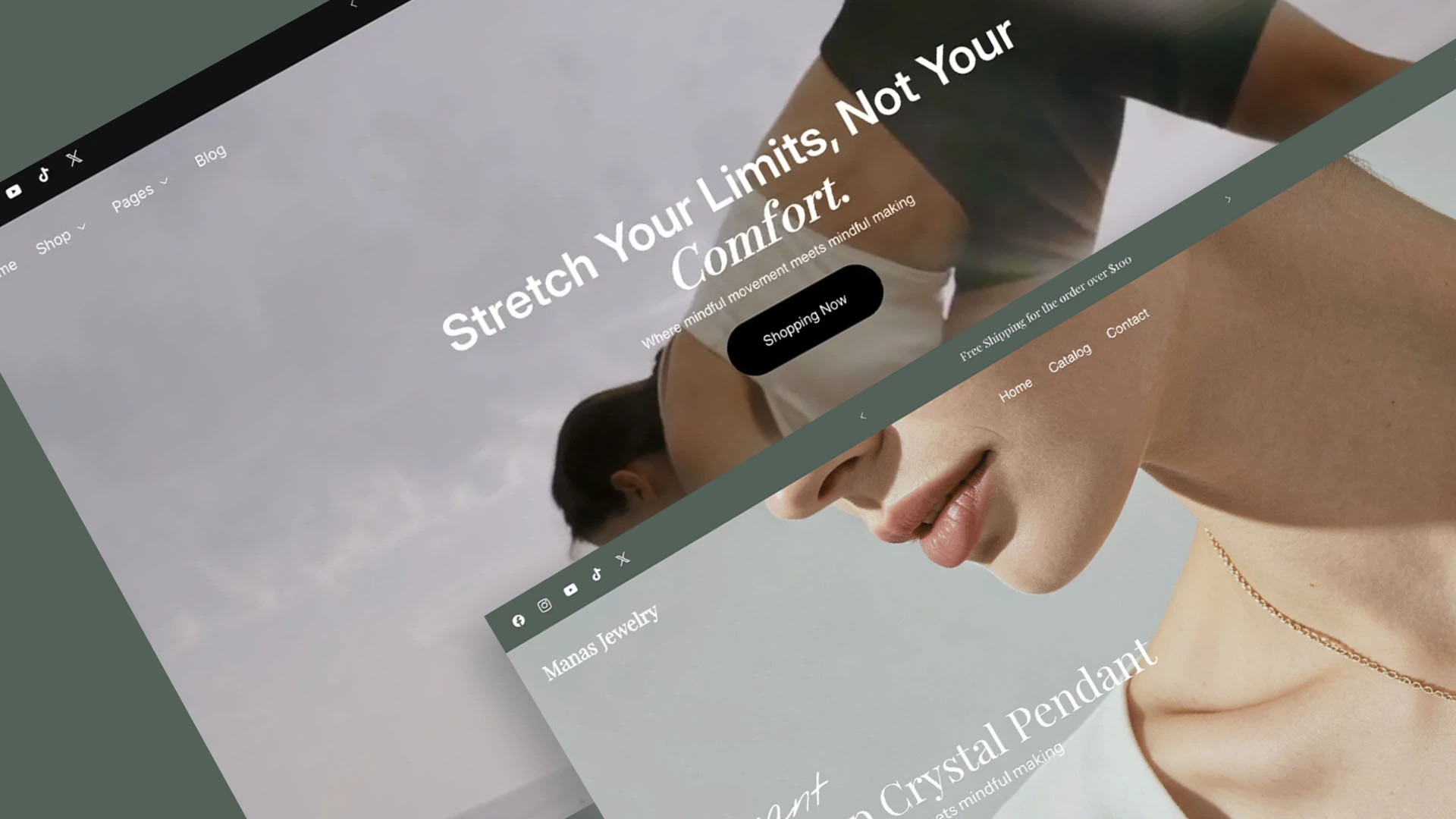
If you are an Etsy seller, custom and personalized products are likely the heart and soul of your business. From engraved jewelry to custom-printed apparel, offering options like text inputs, color selections, and design choices is how you stand out.
When you decide to build your own standalone brand on Shopify, one hurdle often comes up fast: How do I handle product customization without paying for a stack of monthly app subscriptions?
That’s exactly where the Manas theme shines.
Built-In Personalization: No App Required
Most standard Shopify themes offer basic variant options (like size or color), but fall short when it comes to true product customization. Traditionally, if you wanted a buyer to enter custom text, check a box for gift wrapping, or pick a specific style from a dropdown menu, you had to install a third-party product options app.
Manas changes the game.
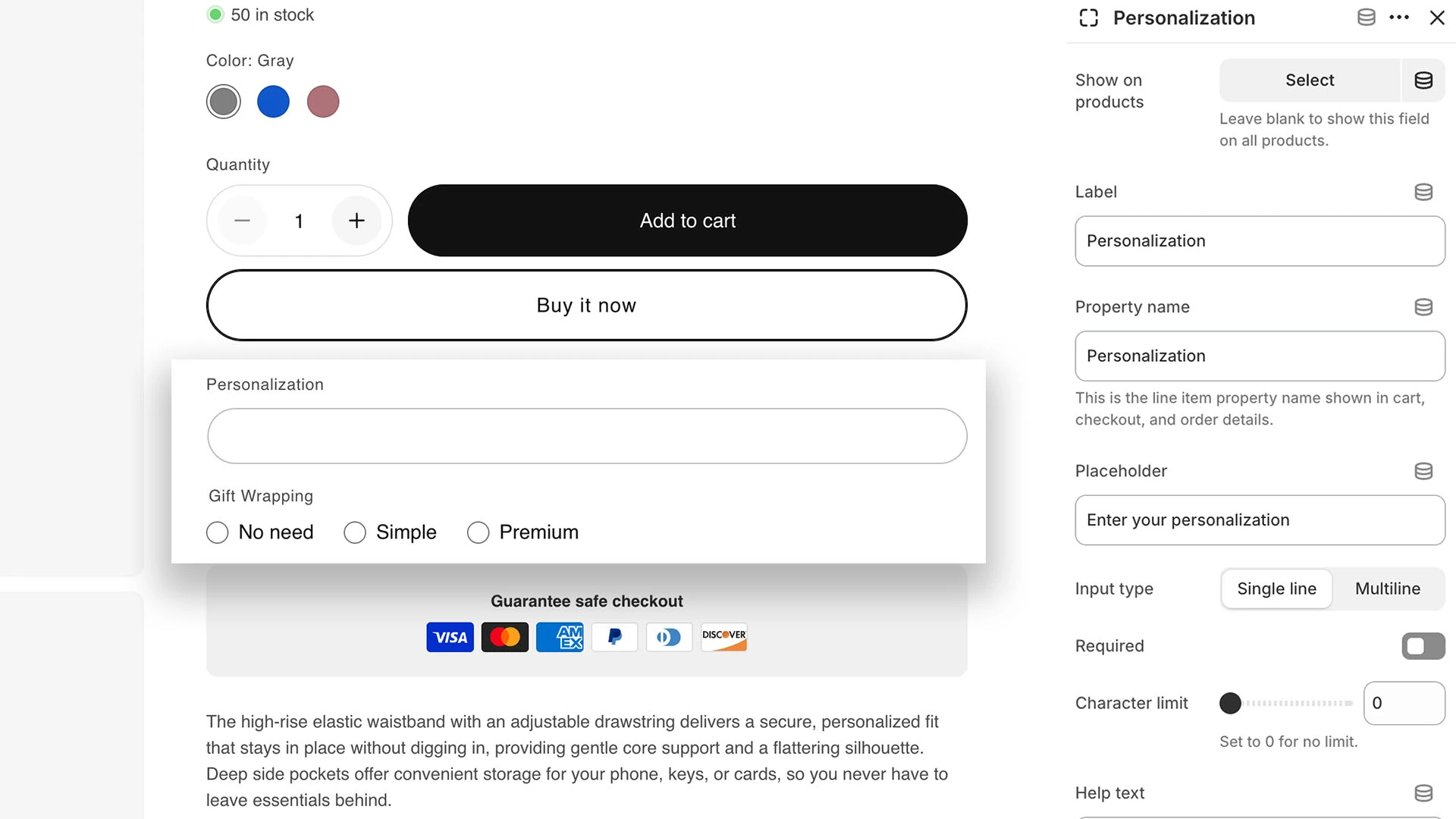
Built natively into the Manas theme are flexible extra option fields that let you offer customized products right out of the box—100% app-free:
- Text Inputs (Personalization): Let customers enter names, dates, or custom monograms directly on the product page.
- Select / Dropdown Menus: Offer clean lists for style variations, font choices, or materials.
- Checkboxes: Perfect for simple add-ons like "Include Gift Packaging" or "Add Custom Card."
- Radio Buttons: Give buyers a clear, visual choice between mutually exclusive options.
For Etsy sellers making the transition to Shopify, this means you can mirror your custom product listings on day one without adding extra code or monthly fees to your budget.
What About Upcharges and Add-On Prices?
While built-in theme options are fantastic for capturing custom details, Shopify’s core system restricts native themes from dynamically changing the base price based on custom line items (unless you're on Shopify Plus or using specialized apps).
If you want to charge an extra +$5 for gift wrapping or +$10 for premium engraving, you usually need an option app. However, if you've looked around the Shopify App Store lately, you’ve probably noticed a frustrating trend: almost every options app locks the "add-on price" feature behind a paid tier—usually starting at $9/month or more.
For a brand-new store or a growing Etsy seller testing the waters on Shopify, those small monthly fees quickly add up.
Introducing Omni Options Shopify App: Built for Growing Sellers
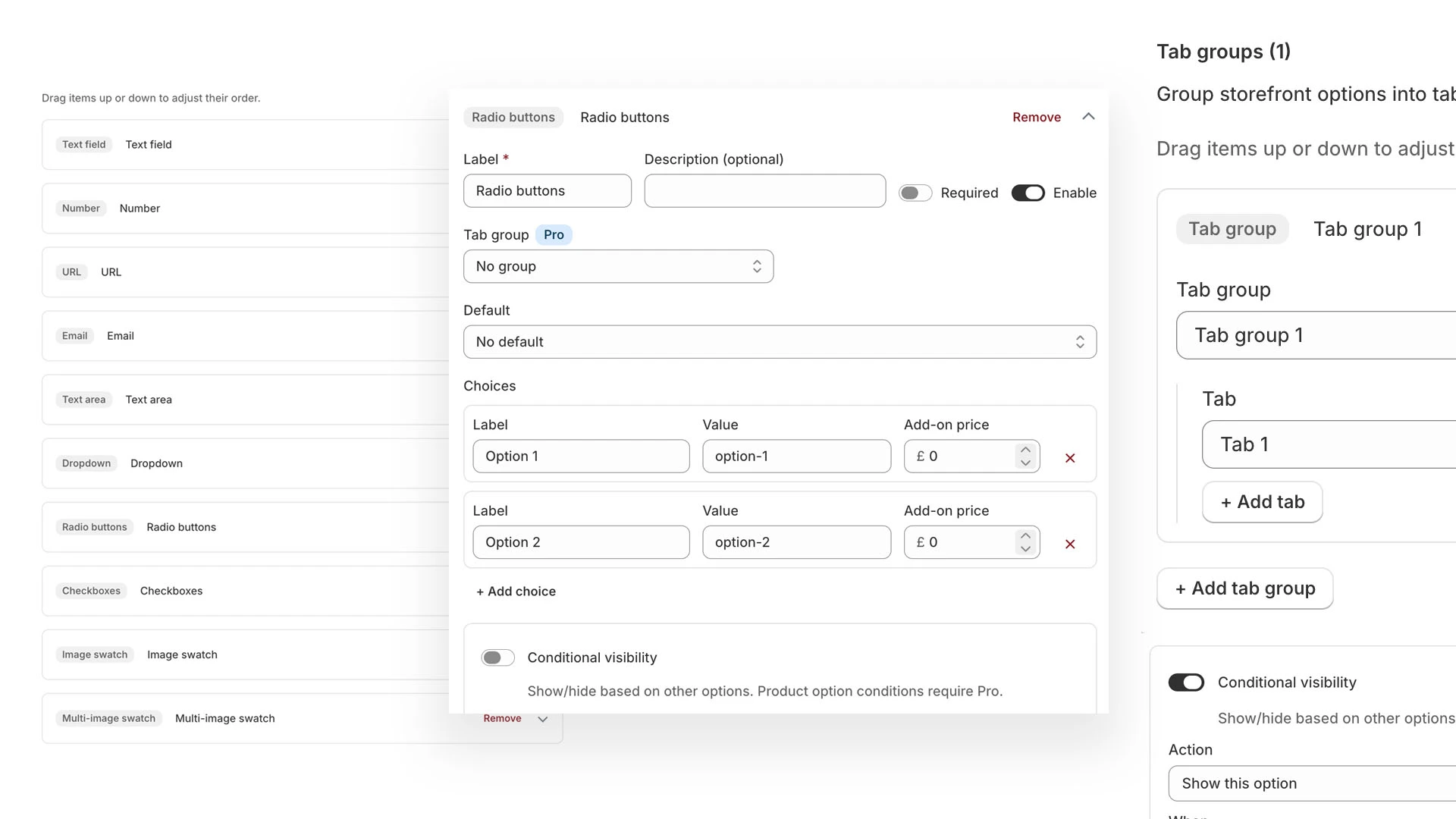
To support emerging brands, we are currently developing Omni Options—a lightweight, powerful product options app designed to complement our themes perfectly.
Here is how we're doing things differently to help early-stage merchants succeed:
- Free Forever Add-On Pricing: Unlike other apps that force you into a paid plan just to charge extra for options, Omni Options will offer add-on pricing for at least 5 products completely free. If you only have a few flagship custom items that require upcharges, you won't have to pay a single cent.
- Perks for Focusly Theme Users: If you use Manas (or any other Focusly theme), you get 1 full year of FREE access to all paid tiers of our apps, including Omni Options.
Start Simple, Scale Smart
Transitioning from Etsy to your own Shopify store doesn't have to be expensive or overwhelming. With Manas, you get a clean, high-converting aesthetic alongside essential built-in customization tools to get up and running immediately. And when you're ready to start charging extra for those custom touches, Omni Options will be there to help you scale without eating into your margins.
Both the Manas theme and Omni Options app are launching very soon! If you want to be the first to know when they go live and unlock exclusive early-bird pricing, subscribe with your email in our website footer below—we’ll make sure you’re the first to get the news!
Would you like any additional tweaks to the newsletter sign-up wording or formatting before putting this live on your store?